3-D Secure flow
Learn about 3DS flow, SCA requirements, and how to handle 3DS when processing payments.
Affects all electronic payments accepted by merchants operating within the European Union.
SumUp supports 3-D Secure payments for added security in online transactions.
EMVCo developed 3D Secure 2, a payment card authentication protocol that meets Strong Customer Authentication (SCA) requirements. It reduces fraud through additional layers such as biometrics.
The final deadline for implementing the SCA requirements was 31 December 2020.
SCA (Strong Customer Authentication)(Opens in a new tab) is an obligatory security measure, requiring two-factor authentication to verify consumer identity in payment transactions, using at least two independent, consumer-based factors:
- Something the customer knows (e.g. Password, PIN)
- Something the customer has (e.g. Phone, Token generator)
- Something the customer is (e.g. Fingerprint, Face ID)
Each of these elements must be independent, to ensure the security of others is not compromised in the event of a security breach.
How It Works
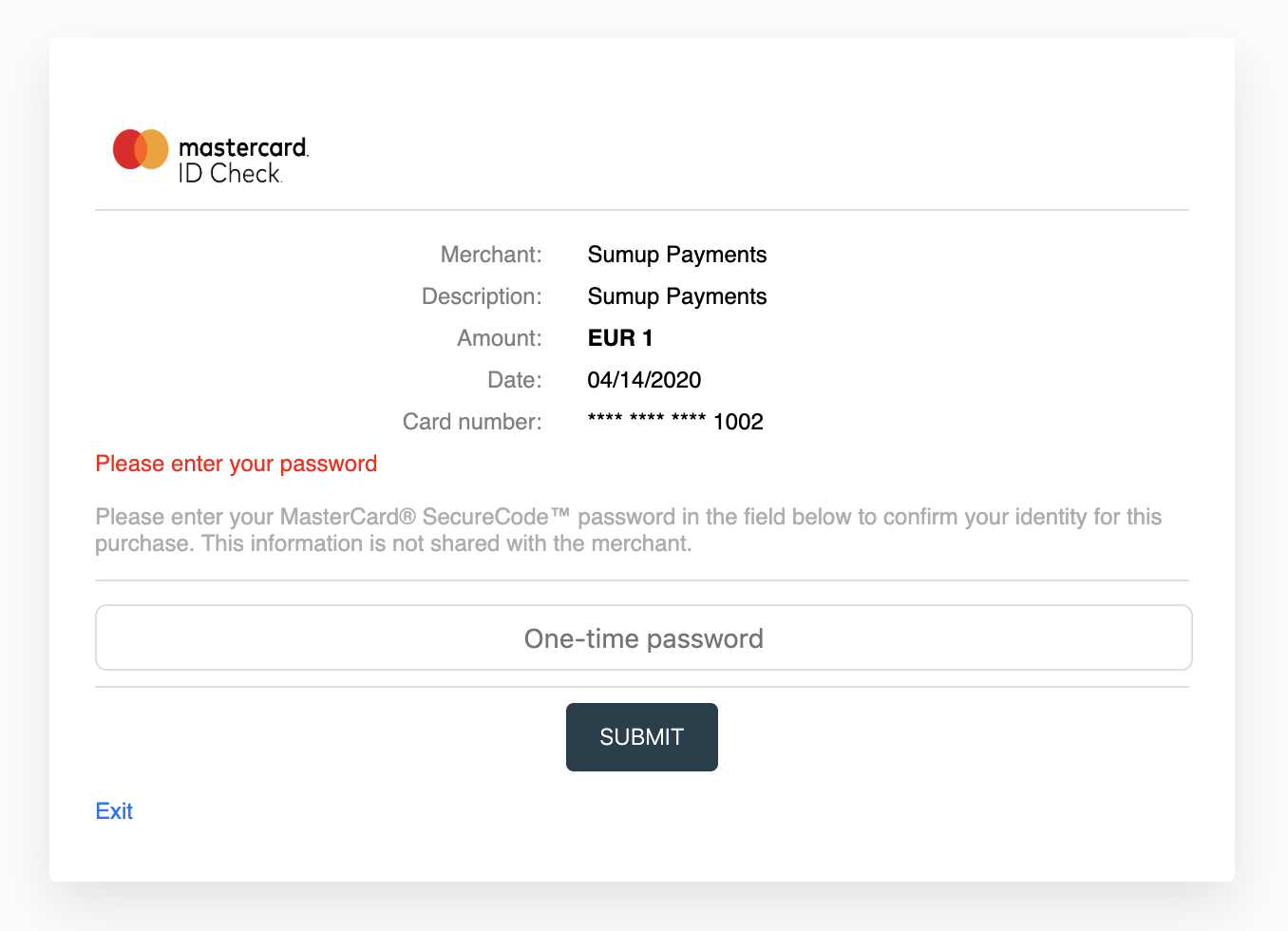
Section titled “How It Works”Both the merchant account and card issuer must support 3-D Secure. The flow adds a checkout step, dependent on the card scheme and issuing bank.
Integration for Single Payments
Section titled “Integration for Single Payments”-
Add the
redirect_urlparameter to your checkout creation request. This URL receives the user after payment completion. -
Process the checkout to get a
next_stepobject with details for the required next action, allowing you to redirect the user to a required challenge screen. -
Use the
next_stepcontent to redirect an end user to a challenge screen. Thenext_stepobject contains:
| Parameter | Value |
|---|---|
method |
POST |
url |
https://issuing-bank.com/acs?reqid=B69D8F090C031E959A3BB2C4D7DFE7F8F7C09B28 |
redirect_url |
https://mysite.com/completed_purchase |
mechanism |
iframe or browser |
payload |
object |
The payload object can contain zero or more key-value pairs, defining the payload request to be made. All provided parameters must be passed when redirecting the user.
Example payload:
{ "arbitrary_param_name_1": "arbitrary_param_value_1", "arbitrary_param_name_2": "arbitrary_param_value_2", "arbitrary_param_name_3": "arbitrary_param_value_3", "arbitrary_param_name_4": "arbitrary_param_value_4"}Example redirect via auto-submitting form:
<form name="autoSubmitForm" action="https://issuing-bank.com/acs?reqid=B69D8F090C031E959A3BB2C4D7DFE7F8F7C09B28" method="POST"> <input type="hidden" name="arbitrary_param_name_1" value="arbitrary_param_value_1" /> <input type="hidden" name="arbitrary_param_name_2" value="arbitrary_param_value_2" /> <input type="hidden" name="arbitrary_param_name_3" value="arbitrary_param_value_3" /> <input type="hidden" name="arbitrary_param_name_4" value="arbitrary_param_value_4" /></form><script type="text/javascript"> document.autoSubmitForm.submit();</script>The user reaches the issuer’s authentication screen for additional verification (e.g. a challenge token, SMS, or other data). After submitting, SumUp completes the payment and the user is redirected to the redirect_url appointed at the checkout creation, through a GET request with the corresponding checkout_id query parameter.
To confirm a checkout’s status, make a GET request to the retrieve a checkout endpoint.